The Power of AI in YouTube Automation
Ever wished you could create YouTube videos faster without losing quality? That’s where AI-powered YouTube automation comes in. So, what is YouTube automation? It’s the process of using smart tools to help with research, scripting, voiceovers, editing, and even audience engagement. Instead of spending hours tweaking metadata or manually editing videos, AI does the heavy lifting—and it does it faster and smarter.
For creators who want to scale their channels, AI tools provide consistent uploads, better SEO, and insights based on real data.
In this guide, we’ll cover seven simple ways to use AI for YouTube growth. Whether you’re just starting or already have an audience, AI can make your content creation smoother, easier, and more effective. Let’s dive in!
The 7 Steps to Scaling with AI YouTube Automation
Scaling a YouTube channel takes time, effort, and consistency. AI makes this process easier by automating research, production, and optimisation.
By using AI, creators can generate content faster, improve SEO, and engage audiences effectively. Let’s dive into seven key steps to help you grow your channel with AI.
Step 1: AI for Research and Content Planning
Coming up with fresh video ideas can be tough. AI tools make this easier by finding trending topics and analysing audience interests.
With AI-driven keyword research, you can discover high-ranking search terms that boost visibility. AI also helps structure scripts, making content creation smoother.
Best AI Tools for Content Ideation and Scripting
- VidIQ: Finds trending topics and suggests keywords.
- TubeBuddy: Analyses keywords and tags for better ranking.
- ChatGPT: Assists in scriptwriting and idea generation.
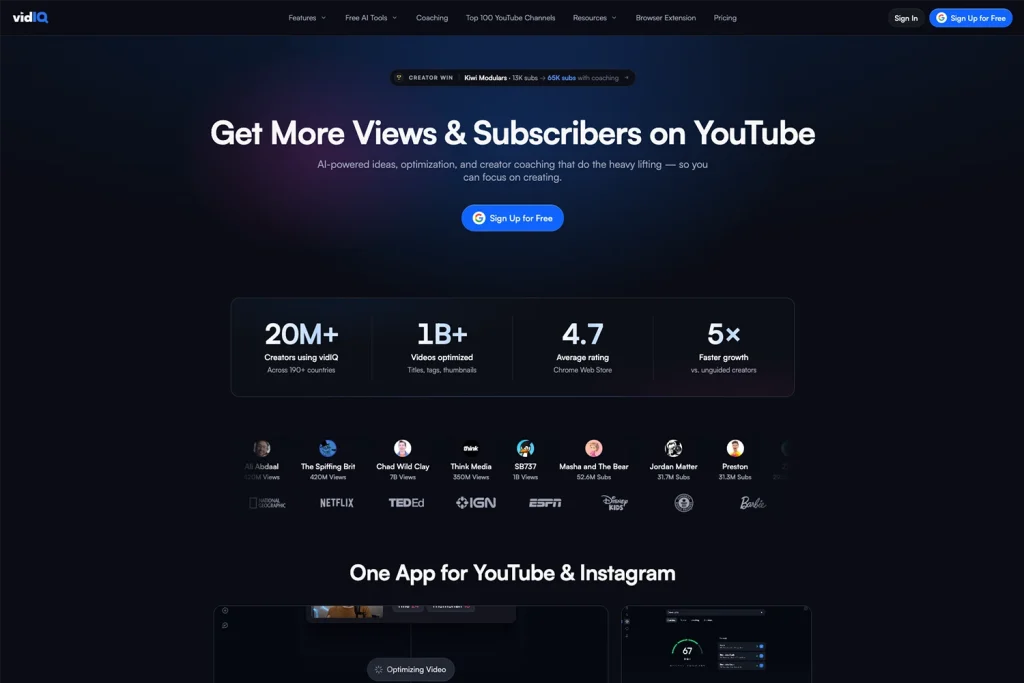
Using AI in research saves time and ensures your content is relevant, engaging, and optimised for YouTube’s algorithm.
Step 2: AI-Generated Voiceovers and Automated Editing
Creating high-quality videos takes time, but AI makes it faster and easier. AI-generated voiceovers sound more natural than ever, allowing creators to produce professional narrations without recording their own voice.
AI also automates video editing, cutting down hours of work. It can remove pauses, enhance audio, and even select the best clips for smoother storytelling.
Best AI Tools for Voiceovers and Video Editing
- Murf AI: Generates lifelike AI voiceovers with different tones and styles.
- Descript: Offers AI voice cloning and automated editing.
- Pictory: Turns text into fully edited videos with AI.
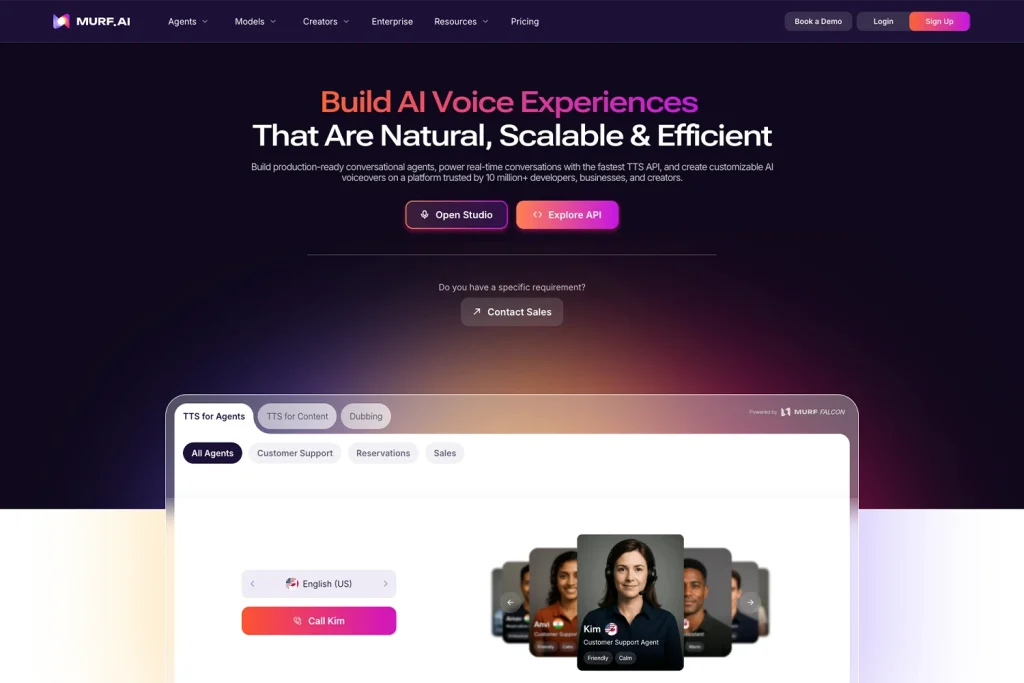
Using AI-powered tools, creators can produce high-quality videos quickly, saving time while maintaining professional results.
If you want high-quality video and audio solutions to enhance your content, check out our audio-visual services.
Step 3: AI for Optimising Titles, Descriptions, and Tags
SEO is key to getting more views on YouTube, and implementing a strong SEO strategy can make a big difference in content discoverability.
AI helps by generating attention-grabbing titles, writing SEO-friendly descriptions, and selecting the best tags for visibility.
By analysing search trends, AI tools suggest high-ranking keywords like YouTube Automation AI to improve discoverability. These tools ensure your videos reach the right audience by optimising metadata automatically.
Best AI Tools for SEO and Metadata Optimisation
- TubeRanker: Generates high-ranking titles and suggests relevant tags.
- ChatGPT: Writes optimised video descriptions for better rankings.
- VidIQ: Analyses metadata performance and improves keyword targeting.
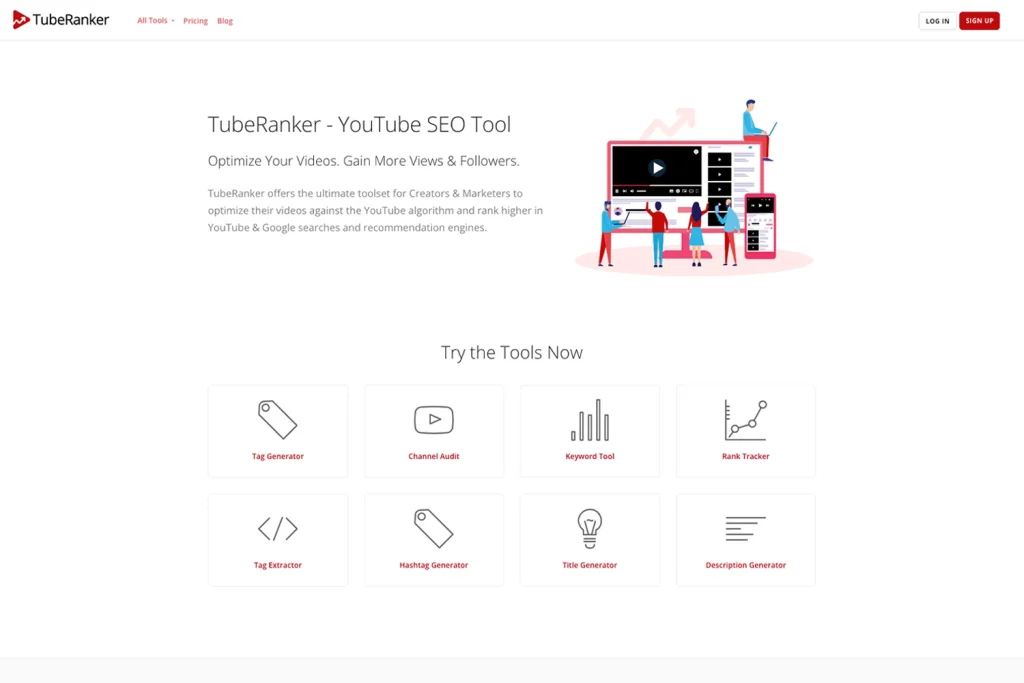
Using AI for SEO boosts video visibility and helps creators grow their channel faster with less effort.
Step 4: AI-Powered Thumbnails and End Screens
A thumbnail is the first thing people see before clicking on a video. AI helps create eye-catching thumbnails that increase views. It selects the best frames and enhances images automatically.
Your thumbnails and end screens should align with your branding to make your channel easily recognisable. Learn more about how to create a strong brand identity.
Best AI Tools for Thumbnails and End Screens
- Canva AI: Designs high-quality thumbnails with AI-generated templates.
- Fotor: Enhances images and graphics with AI-powered tools.
- TubeBuddy: Tests thumbnail effectiveness and improves CTR.
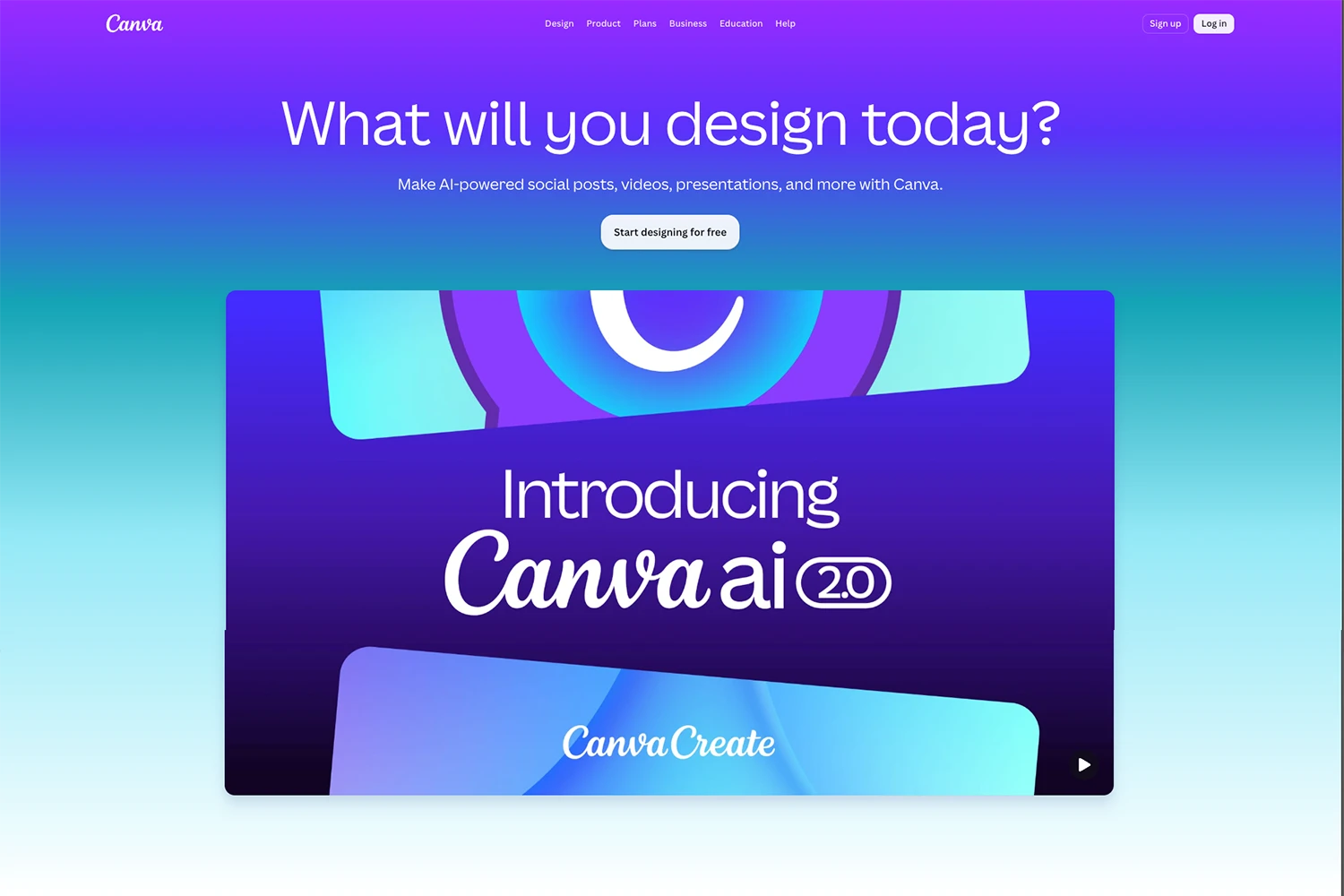
Using AI, creators can increase clicks, engagement, and overall channel growth with less effort.
Step 5: Tools for Automating Video Posting and Scheduling
Posting at the right time can make a big difference in views and engagement. The good news? There are great scheduling tools that help you stay consistent and keep your content on track.
Scheduling videos in advance keeps your uploads steady, which helps YouTube recommend your videos more often. These tools make sure your content goes live without the stress of manual posting. That said, it’s still important to review your content strategy regularly to keep it fresh and relevant.
Best Tools for Youtube Scheduling and Automation
- Hootsuite: Schedules YouTube videos and social media posts to keep everything organised.
- Later: Helps plan and automate content across multiple platforms.
- YouTube Studio: Lets you schedule uploads at the best times for your audience.
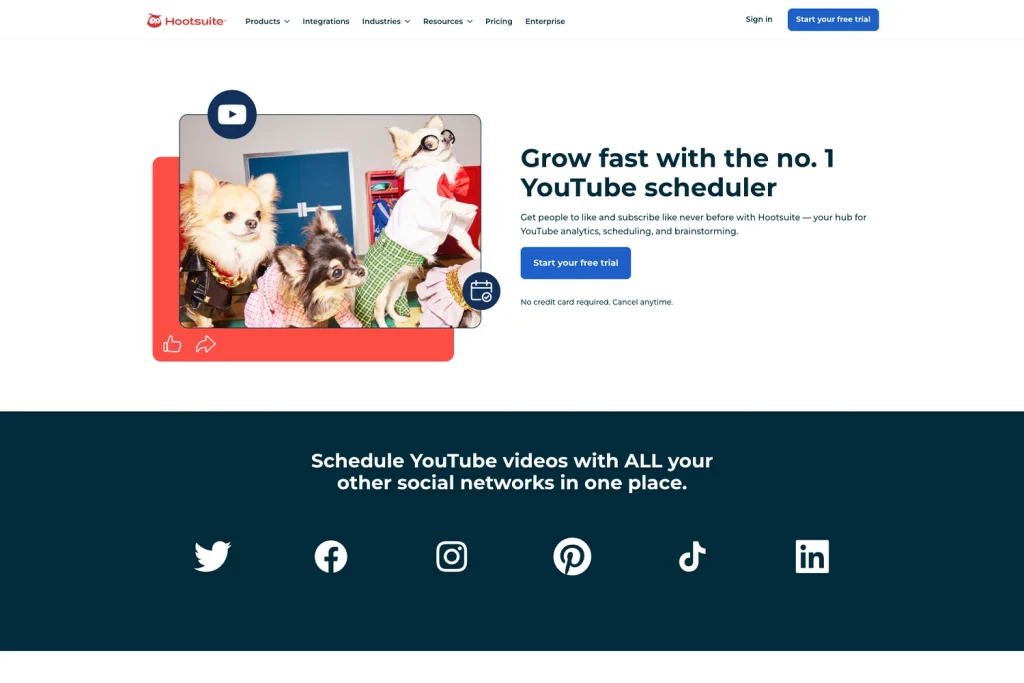
Using these tools saves time and keeps your content flowing, so you can focus on creating.
Step 6: AI for Proofreading and Editing YouTube Scripts
Creating a great YouTube video starts with a solid script. AI can help proofread, edit, and refine your content, ensuring it’s clear, engaging, and error-free.
AI tools can spot grammar mistakes, improve sentence structure, and even suggest better word choices. They can also help adjust tone and readability, making sure your script flows naturally.
But here’s the thing—AI should enhance your writing, not replace your creativity. While AI can suggest edits, your unique voice and style are what make your content stand out.
Best AI Tools for Proofreading and Editing
- Grammarly: Checks grammar, clarity, and readability.
- ChatGPT: Refines scripts and suggests improvements.
- ProWritingAid: Helps polish and structure content.
Using AI for script editing saves time and improves quality, so your videos sound professional and engaging.
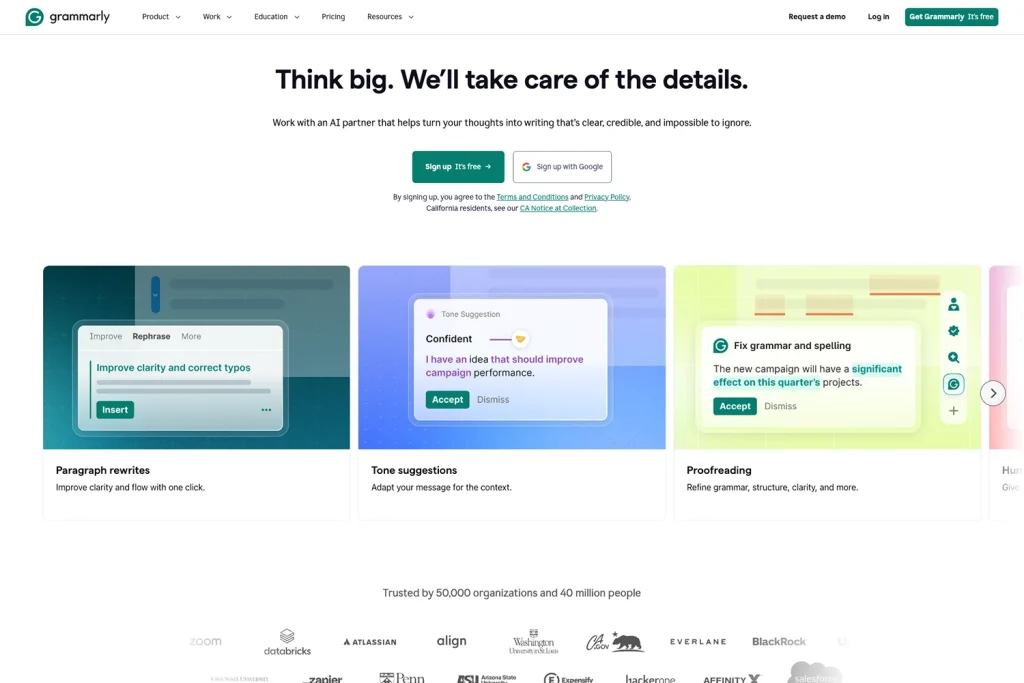
If you’re a creator looking to build a strong online presence beyond YouTube, explore website development solutions to enhance your brand.
Step 7: Analytics and Performance Tracking
Want to know what’s working and what’s not on your YouTube channel? Analytics tools track views, watch time, and engagement so you can focus on what matters.
These tools help you understand audience behaviour by identifying trends and showing what content your viewers enjoy the most. By using insights from analytics, you can keep viewers watching longer, improve retention, and grow your channel without the guesswork.
Best Tools for Analytics and Performance Tracking
- TubeBuddy: Uses AI to suggest keywords and optimise video performance.
- VidIQ: AI-powered tool that provides in-depth SEO and audience insights.
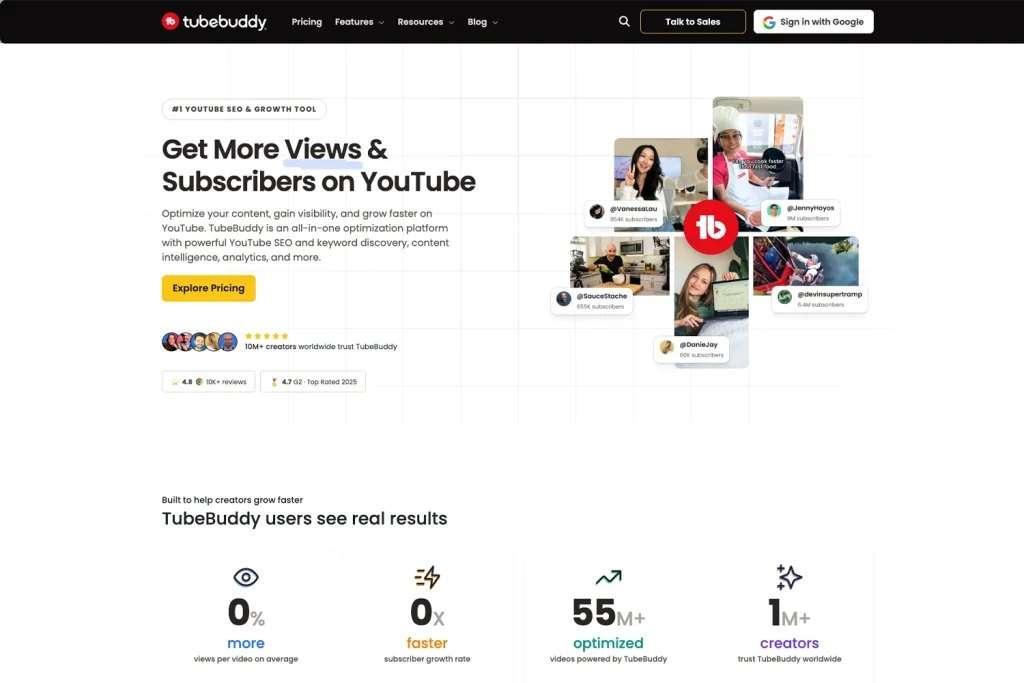
Using data-driven insights, you can make smarter content choices and scale your channel effectively.
Ethical Considerations and Limitations of AI in YouTube Automation
AI is powerful, but it’s not a magic fix for everything. While it saves time, relying too much on automation can take away the human touch that makes content special.
Creators should balance AI and creativity. AI can help with research, editing, and optimisation, but your unique voice and personality are what keep viewers coming back.
Another risk is over-automation. Some channels use AI to mass-produce low-quality videos, which can feel spammy and hurt engagement. YouTube’s algorithm prefers authentic, valuable content, so AI should be used wisely.
Looking ahead, AI will continue to evolve and improve, but the best creators will always be the ones who use it as a tool, not a replacement. AI helps you scale, but creativity keeps you growing.

Conclusion
AI-powered YouTube automation is transforming the way creators produce content. From research and editing to SEO and audience engagement, AI streamlines the process and helps you grow your channel without spending hours on every detail.
But here’s the thing. Standing out on YouTube takes more than just automation. Success comes from using smart strategies that boost visibility, keep viewers engaged, and allow you to focus on creativity. AI is a powerful tool, but it is just one piece of the puzzle.
For a complete approach to content growth, explore how Media Booth can help with digital marketing, automation, and content strategies.
To build visibility beyond YouTube, explore AI Search Optimisation for content that helps audiences find your business.
Want to learn more? Visit the Media Booth blog for expert insights on SEO, automation, and digital marketing trends.
Keep learning, keep creating, and let us help you work smarter, not harder.