How to Choose the right space (and not waste a recording session)
If you’ve searched “podcast studio rent near me”, you’re probably on a deadline.
You’ve got a guest booked, a launch date set, or you’re finally making time to record content for your business.
The tricky part is that “podcast studio hire” can mean anything from a quiet room with one mic to a fully engineered setup with production support. Price tags can look similar, but the experience (and the final audio) can be wildly different.
This guide is a practical checklist you can use today. If you’re local, we’ll also show you how to hire a podcast studio on the Gold Coast with Media Booth in Ashmore.
What “podcast studio hire” should include (so you can compare properly)
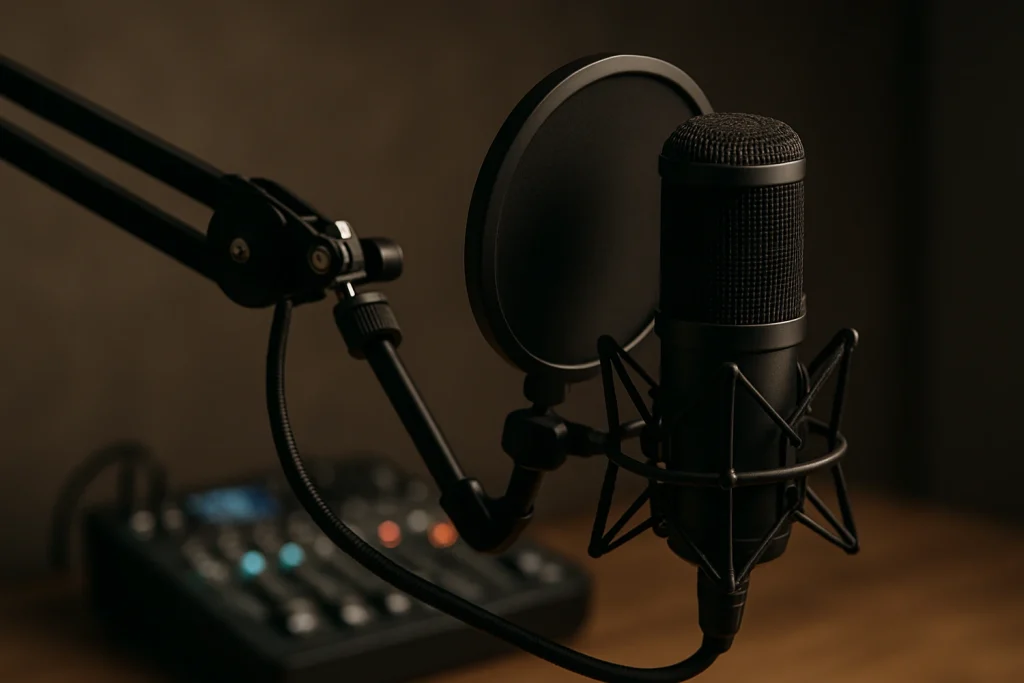
Studios often advertise an hourly rate, but the inclusions decide whether it’s good value.
Before you book, ask for a clear list covering:
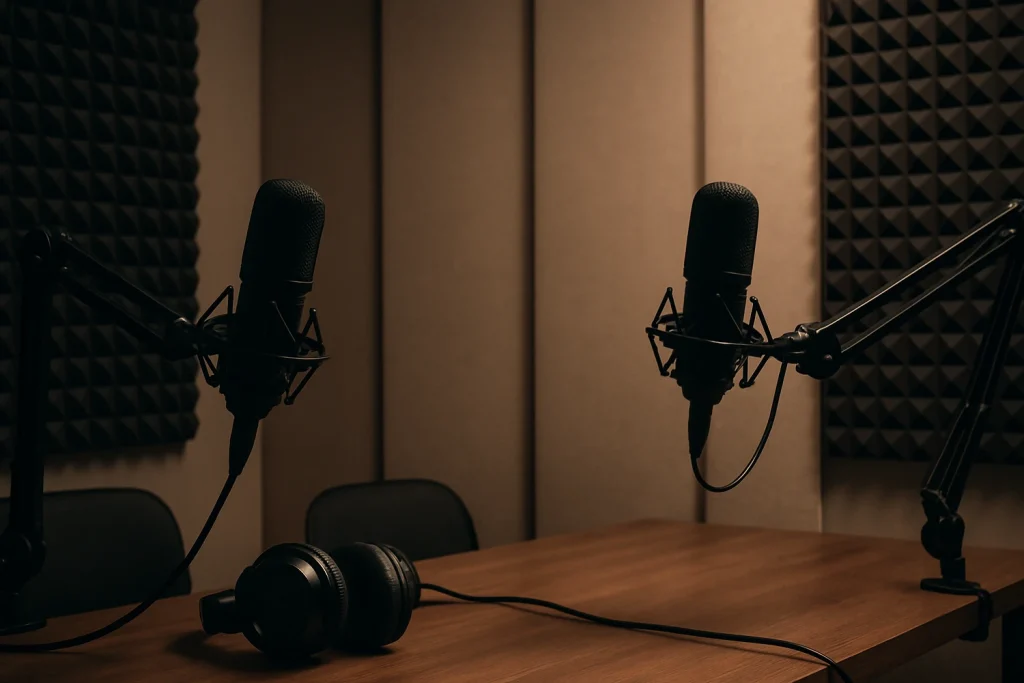
- Room sound: acoustic treatment, echo control, and outside noise
- Microphones and accessories: mic type, boom arms, pop filters, spare cables
- Headphones for every person: so everyone can hear issues early
- Recording system: mixer/interface and how the audio is captured
- File delivery: how you receive files, and in what format (WAV/MP3)
- On-site support: who sets levels and watches for clipping
- Video options (if needed): camera, lighting, framing, and export settings
If a studio can’t explain their setup in plain English, that’s a red flag. You’re paying for certainty.
Cheap vs affordable podcast studio: what you’re really paying for
People often search cheap podcast studio and affordable podcast studio and mean the same thing.
In practice, these are different:
- Cheap can mean bare minimum: a room, basic gear, and you run the session.
- Affordable usually means good value: clean audio, comfortable room, and support that prevents mistakes.
A low hourly rate is not a bargain if:
- the room has air con hum you can’t remove
- the sound is echoey and thin
- you spend money fixing it later
- you re-record because the first take wasn’t usable
If your podcast supports your brand (or your sales pipeline), consistent quality matters.
A quick checklist: how to pick a podcast studio near you
Use this list while you’re comparing options.
1) Noise and room sound (the part you can’t “fix later”)
Ask these questions:
- Is the room treated for sound, or is it just a spare office?
- Are there noise sources nearby (roads, foot traffic, air con)?
- Can you hear an example of raw audio recorded in the room?
Tip: If the studio won’t share a short sample, ask for a quick test recording when you arrive.
2) Mic setup that suits your format
A good studio will match the setup to your show style:
- Solo show: 1 mic, simple monitoring, clean signal
- Interview: 2 mics, consistent distance, clear guest monitoring
- Panel: 3–5 mics, clear separation so voices don’t bleed together
If you’re doing a business podcast with guests, you want a setup that forgives nervous mic technique.
3) Engineer/producer support (do you need it?)
If you’re time-poor, recording with clients, or filming video, it’s smart to hire a podcast producer.
A producer can:
- set levels and catch issues before they ruin a take
- manage the session timing
- guide mic positioning (without making it awkward)
- keep the recording flowing when a guest goes off-track
If you’re searching “podcast studio near me” because you want it to be easy, this is the add-on that usually makes it easy.
4) File delivery and ownership
Confirm what you receive and how fast:
- Do you get individual tracks (one per mic) or a single mixed file?
- Do you get WAV files, or only MP3?
- How are files delivered (link, drive, USB)?
If you plan to hire podcast editor services later, individual tracks are usually the safest option.
5) Editing, cut-downs, and publishing support
Plenty of studios will record you, hand over files, and that’s it.
If you want a clean, branded show, ask what post-production can include:
- removing long pauses, stumbles, and repeated lines
- noise reduction and levelling
- intro/outro insertion
- loudness checks so it sounds right on Spotify and Apple
- short video clips for social content
If you’re already thinking “we’ll get to editing later”, book it now. Post-production is where podcasts often stall.
If you’re also filming: treat it like a recording session with cameras
A lot of businesses want a podcast recording studio because they’re aiming for YouTube plus audio platforms.
That’s a great plan, but only if you set it up properly.
Do this:
- Decide your primary output: audio-only, video-first, or both.
- Bring brand notes: intro line, show name, and how you describe your business.
- Wear camera-friendly colours (avoid tight stripes).
- Keep the table clear. Clutter looks messy on video.
If you want the full workflow, our guide on What is the video production process? is a helpful read before you book.
What to book: realistic time for a good episode
Here’s a simple rule that works for most businesses.
- 30–45 minute episode (audio only): book 90 minutes to 2 hours
- 30–45 minute episode (with video): book 2 to 3 hours
That includes setup, sound check, a short warm-up, recording, and wrap.
If you’re doing multiple episodes in one day, ask the studio about batch recording blocks.
A practical example (Gold Coast business podcast)
Say you run a local service business on the Gold Coast.
You want a monthly podcast that answers customer questions and builds trust. Think:
- “What does this service cost and why?”
- “What should you ask before you sign?”
- “What mistakes do people make?”
A good studio session plan:
- Record 2 episodes in one booking.
- Add light producer support to keep it moving.
- Get your editor to deliver:
- full episode audio
- 3–5 short clips for social
- clean titles and timestamps
Then distribute clips on socials (our Instagram Reels guide helps if you’re new to it).
Podcast studio hire on the Gold Coast (Ashmore): Media Booth
If you’re looking for a podcast studio Gold Coast option that’s business-friendly, Media Booth offers podcast studio hire from our Ashmore location.
You can keep it simple (studio + recording) or book extra support so you’re not doing everything yourself:
- Hire a podcast studio with a controlled room and professional recording setup
- Hire podcast equipment as part of the studio booking
- Hire a podcast producer for session management and quality control
- Hire podcast editor support to get episodes ready to publish
We’re also a full-service digital marketing agency, so if your podcast is meant to generate leads, we can help you connect the dots between content and enquiries.
Yes, we get the irony: you searched “podcast studio rent near me” and now we’re talking marketing.
But it’s a real issue. Recording is only step one.
Want your podcast to drive leads? Here’s the simple measurement plan
If your podcast is for awareness only, measure listens and watch time.
If it’s for business growth, measure these instead:
- Enquiry rate: how many leads mention the show
- Landing page visits: traffic to the page you mention on-air
- Conversion rate: form fills or calls from that traffic
- Cost per lead (if you run ads): what you pay per enquiry
If you’re running paid traffic, your team might be searching things like “google ads near me” or “google ads agency near me”. It’s worth setting up tracking properly first. If you use Facebook/Instagram ads too, our guide on How to install Facebook Pixel in WordPress is a good starting point.
If you’re building long-term search traffic, the same goes for “seo agency near me” or “digital marketing agency near me”. The podcast can support SEO, but only if you publish supporting pages, show notes, and clear calls-to-action.
Booking Tips that save you money (and stress)
Do these three things before you arrive:
- Write a one-page run sheet: intro, key points, CTA, and close.
- Decide your CTA: what do you want listeners to do next?
- Confirm your deliverables: raw files only, or edited and ready to post.
Small detail. Big difference.
Ready to hire a podcast studio?
If you want a smooth recording session and audio you’re happy to attach your brand to, book Media Booth’s podcast studio hire here:
Podcast Studio Hire (Gold Coast / Ashmore): /audio-visual/podcast-studio-hire/
Prefer to talk it through first? Tell us:
- how many people you’re recording
- whether you need video
- whether you want us to handle editing
- your rough timeline (one episode, or a batch day)
We’ll recommend a setup that fits your goal and budget.